.png)

Forma Studio
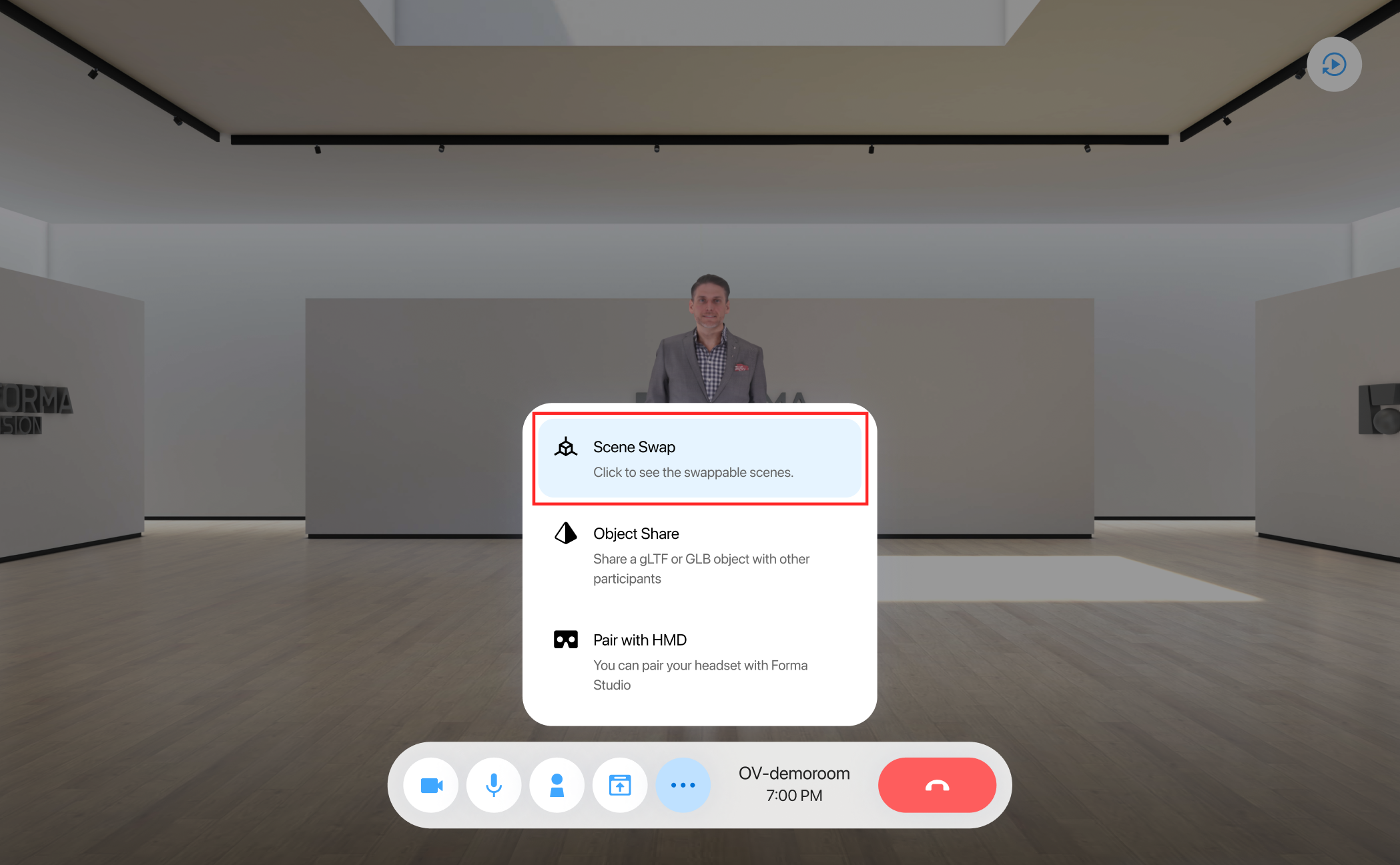
The scene swap feature enables you to replace the virtual envorment on the Forma meeting with a default scene or a custom scene of your choice. Note: Only users on Forma Studio or VR headsets see full virtual scenes. Recordings do not include virtual scene at this time.
To use the feature during an active meeting, select the “more” icon from the meeting toolbar, and then select the “Scene Swap” feature in the popup menu. Two default scenes are provided: an Art Gallery scene and Boardroom scene. It may take a couple seconds for all call participants to see the new scene.
You may upload a custom scene by turning on the “Custom Scene” Toggle and uploading your scene. Custom scene must meet the following requirements:
- Scene file must be in GLB format
- Scene file must be less than 100 MB
- Center/origin of model should be placed where the center of the meeting occurs within the scene
- Some ambient lighting is automatically applied to all custom scenes. We recommend that the lighting in your custom scene should already be 'baked'. All surfaces/textures should be emissive.
- Single floor plane (all participants will be positioned relative to this single ground plane)